
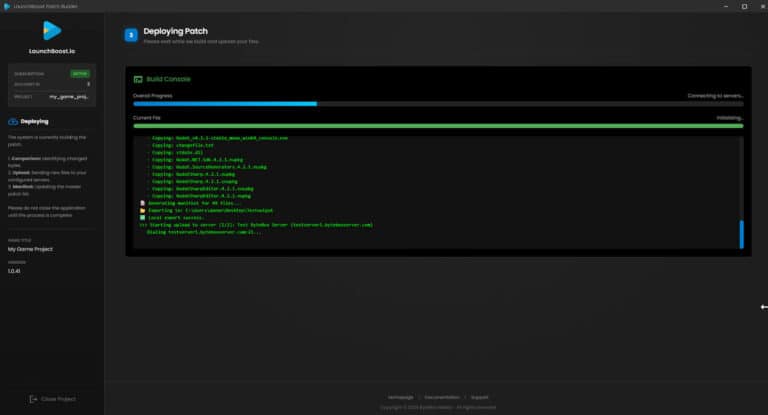
Deploying your Patch
Once you have passed Steps 1 and 2, the LB Studio will begin building and deploying your game patch.
If you had Upload to FTP enabled, it will automatically try and upload the built patch files to all of your servers that you allow access to in your server list in your dashboard.
Once successful, you can simply close the builder. A meta record of this build will be stored locally for comparison on future patches.
Your first patch is now complete.
You should now distribute your patch executable and launch it with the required parameters on a clients machine in order to install the patch.
You should find the patch executable in your AppData folder, typically at
This is the executable you distribute with your game or application and launch with the required command lines.